
Magic Tools
My Role
Sole Product Designer
Scope
0-1 Product Design
Tools
Figma, Jitter, Adobe
Platform
iOS, Android, Web
year
2022-2025
The Problem
Why we needed magic studio?
The Solution
What we did to get there
Understanding the arena
Meet Rayna; and the Wall She Kept Hitting
She makes silver jewelery by hand and sells on Instagram & Etsy. Every product photo is shot on her kitchen table, white cardboard, phone camera, window light.
Every time a new batch was ready, the photos were the hardest thing, and the tools she tried made it worse.
And The Tools She Tried
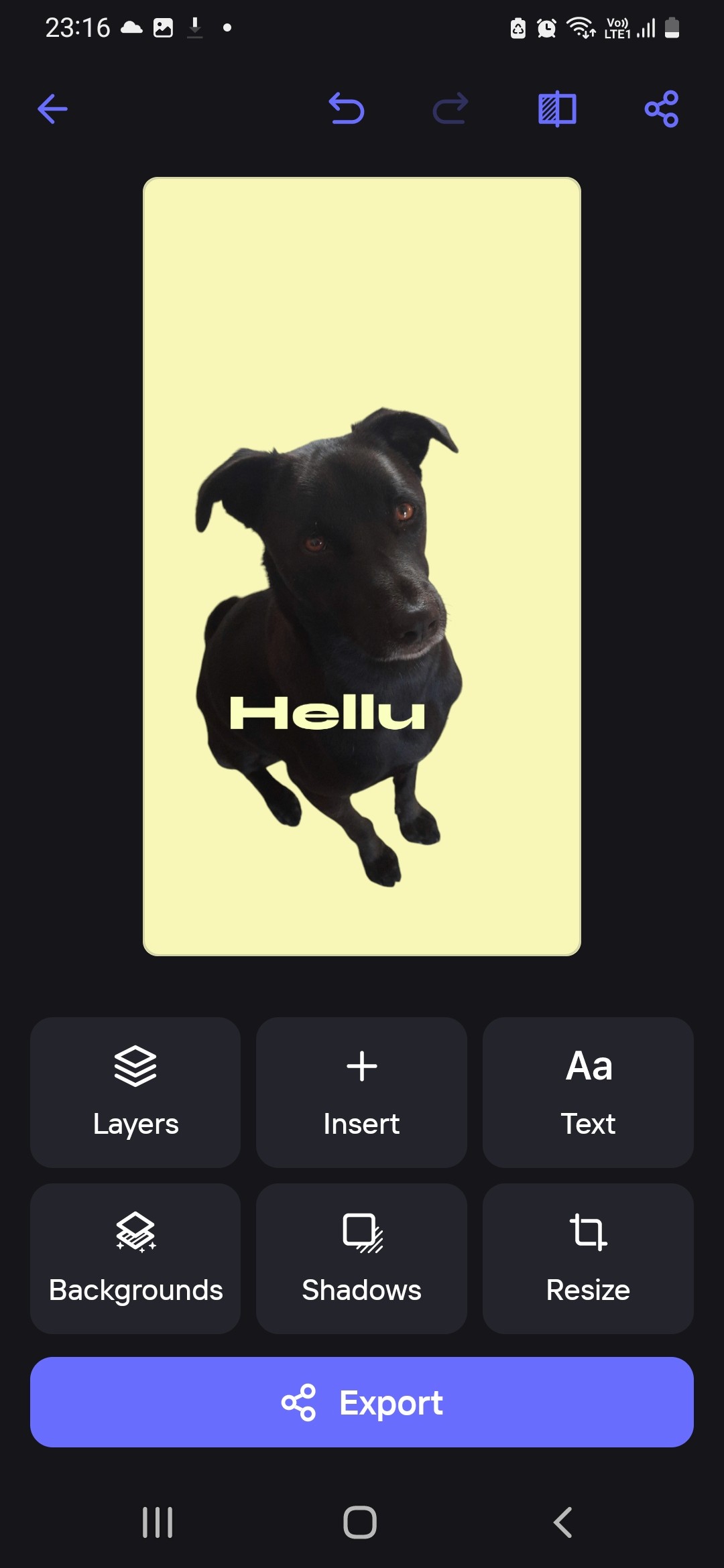
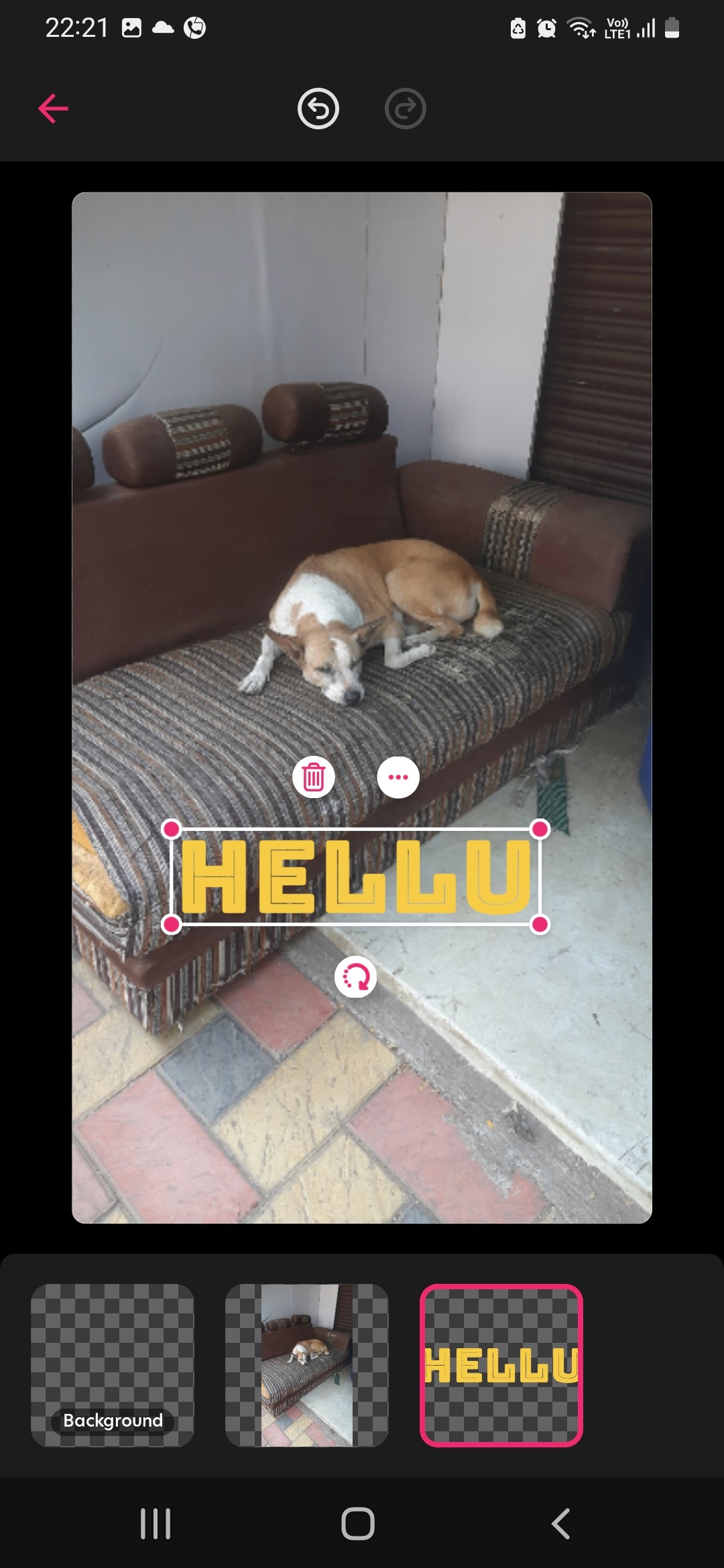
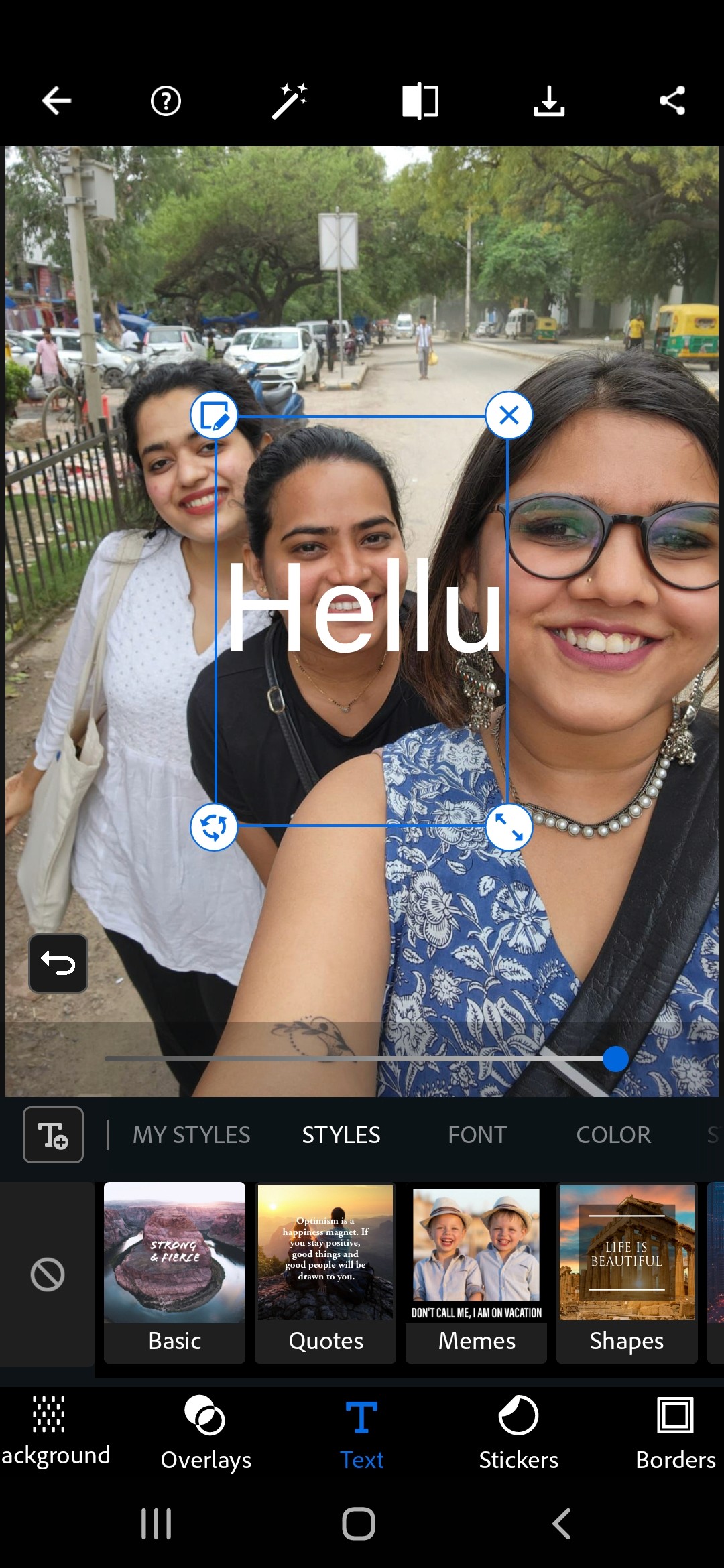
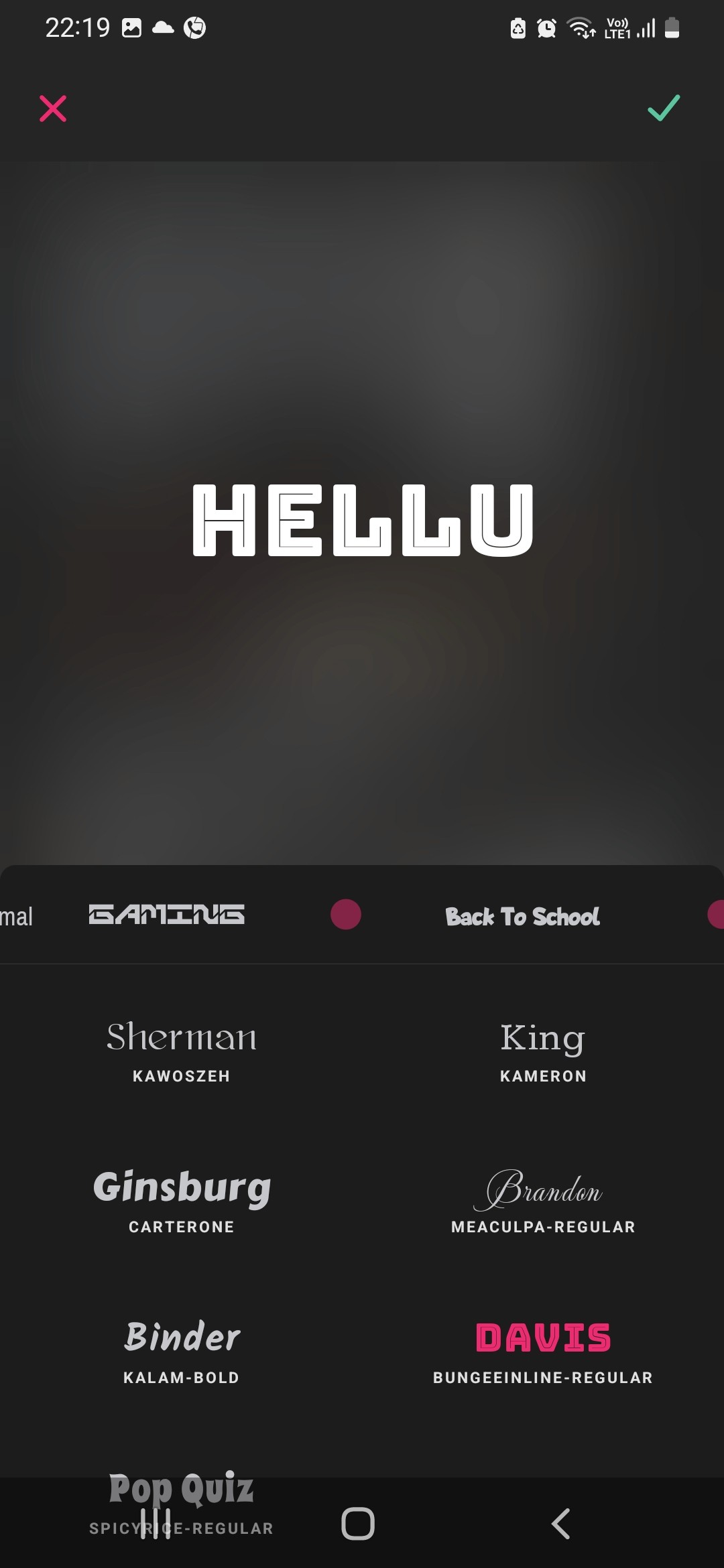
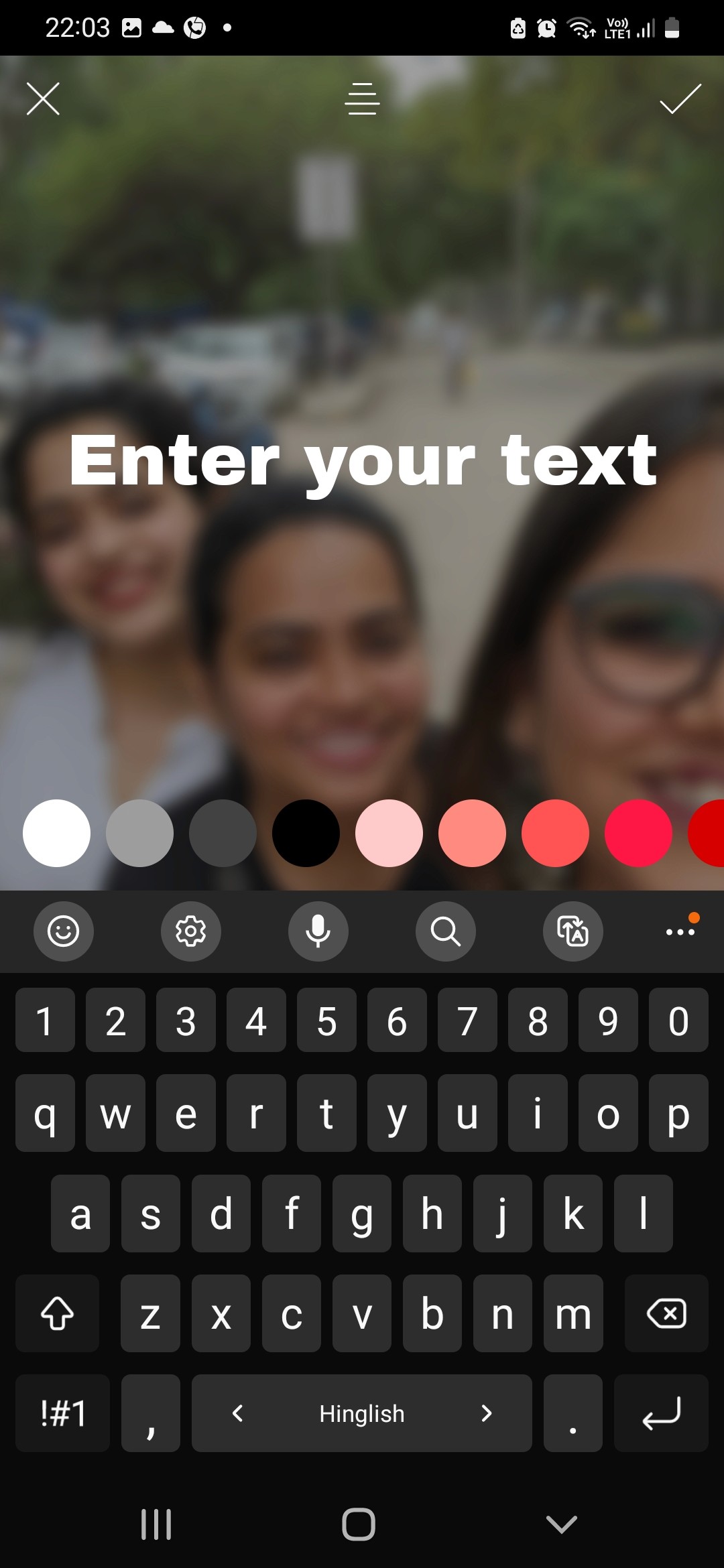
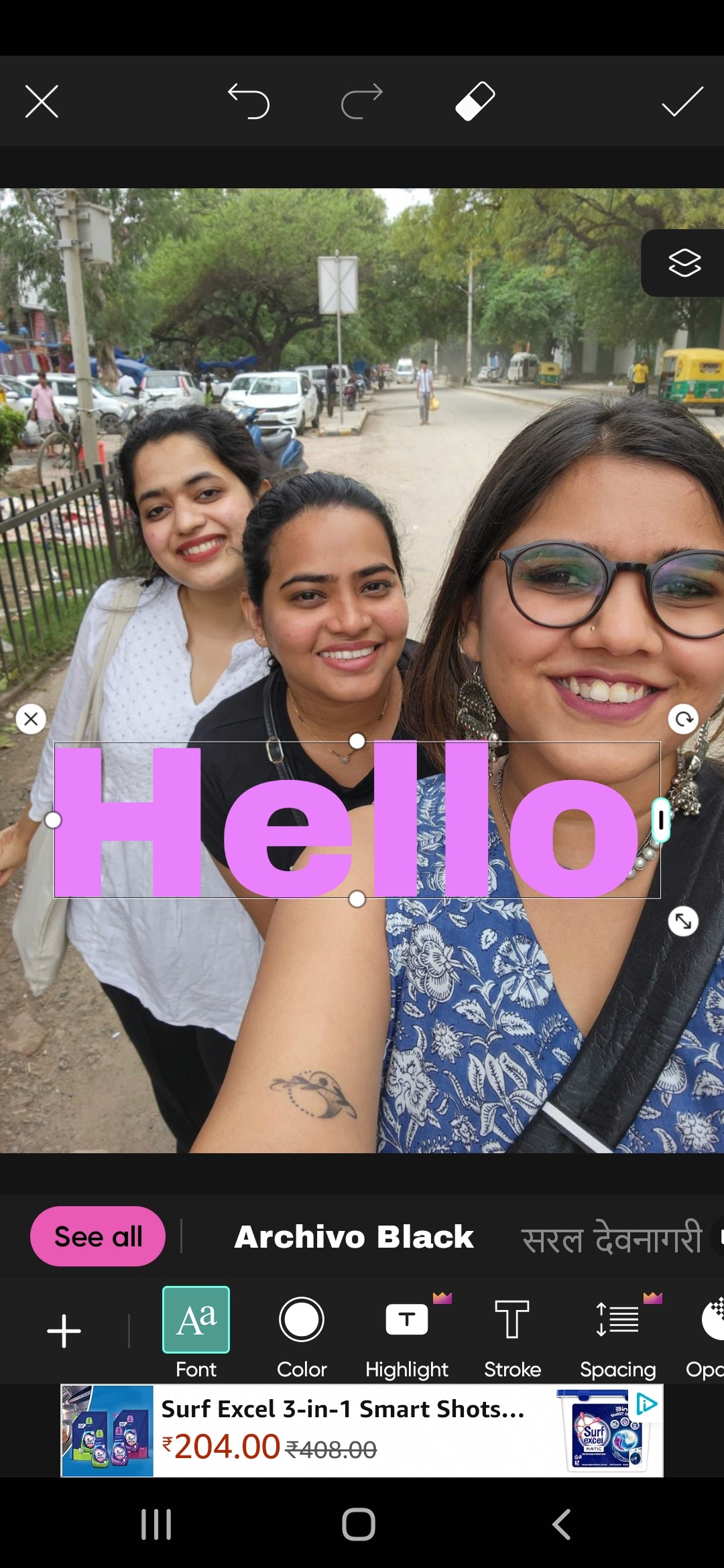
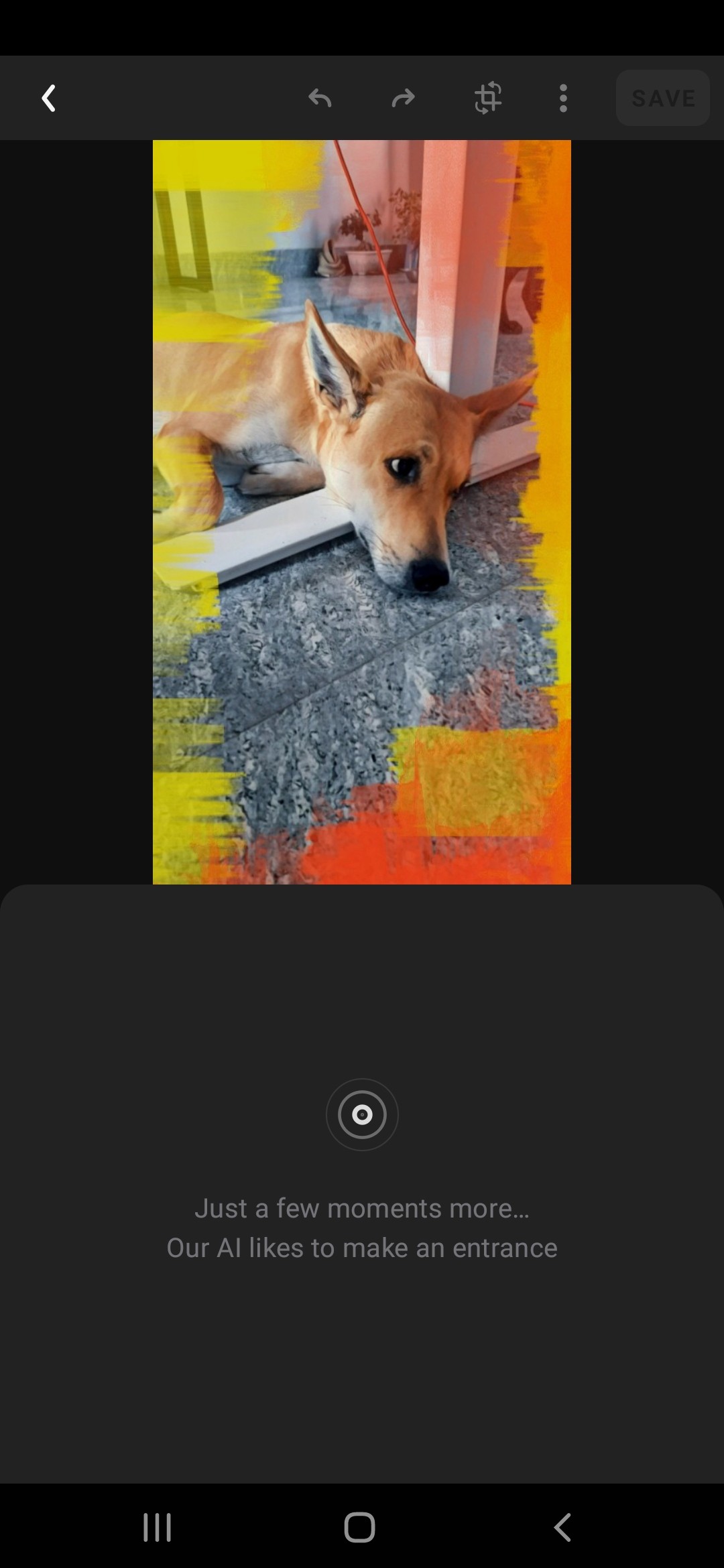
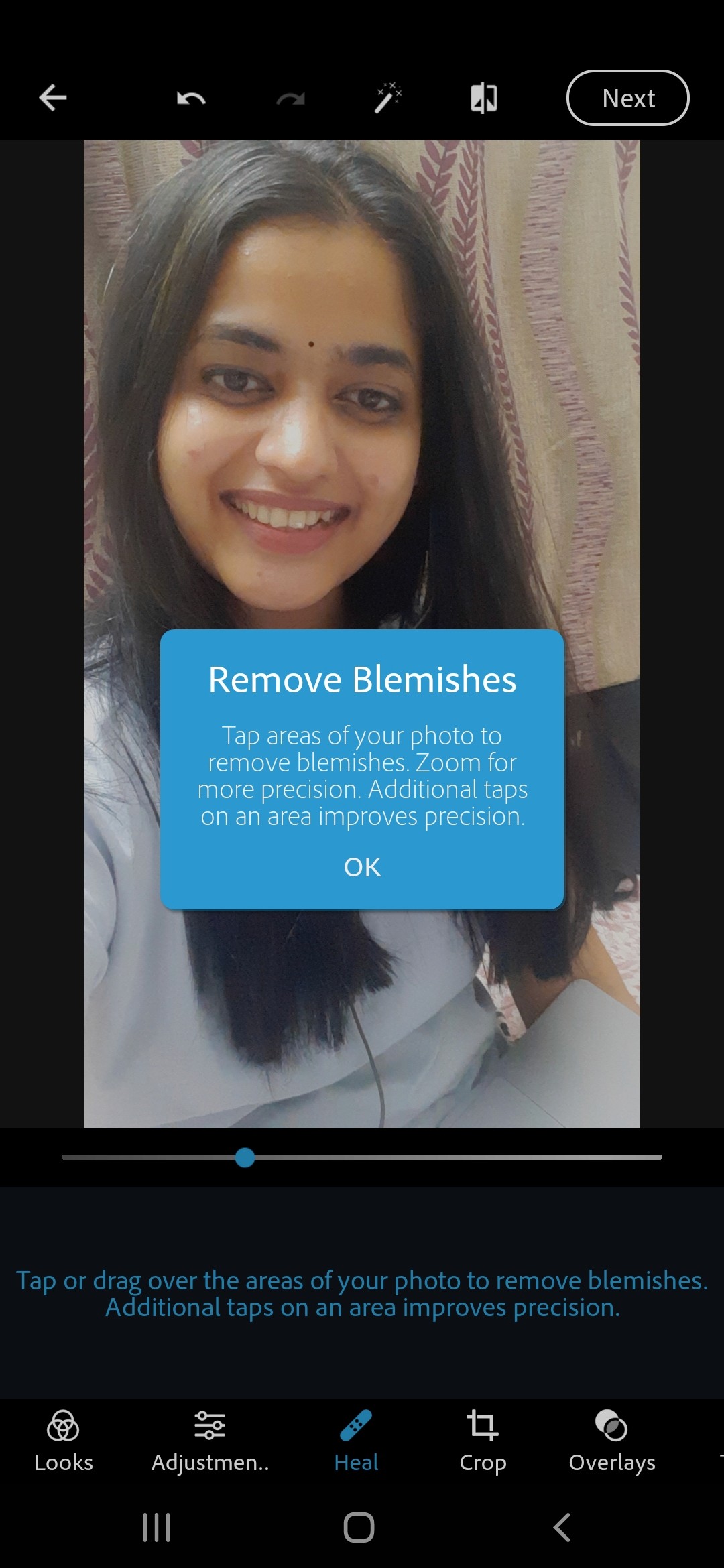
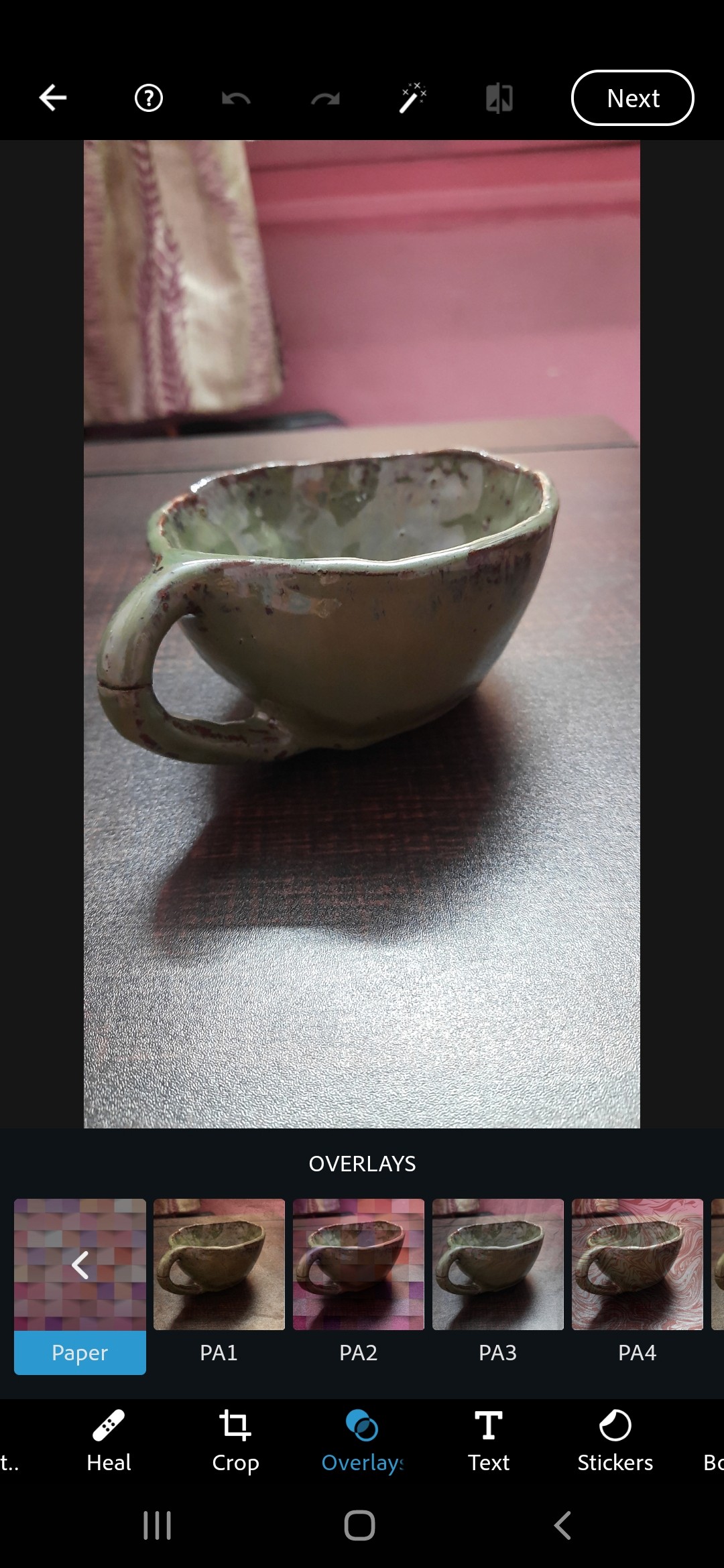
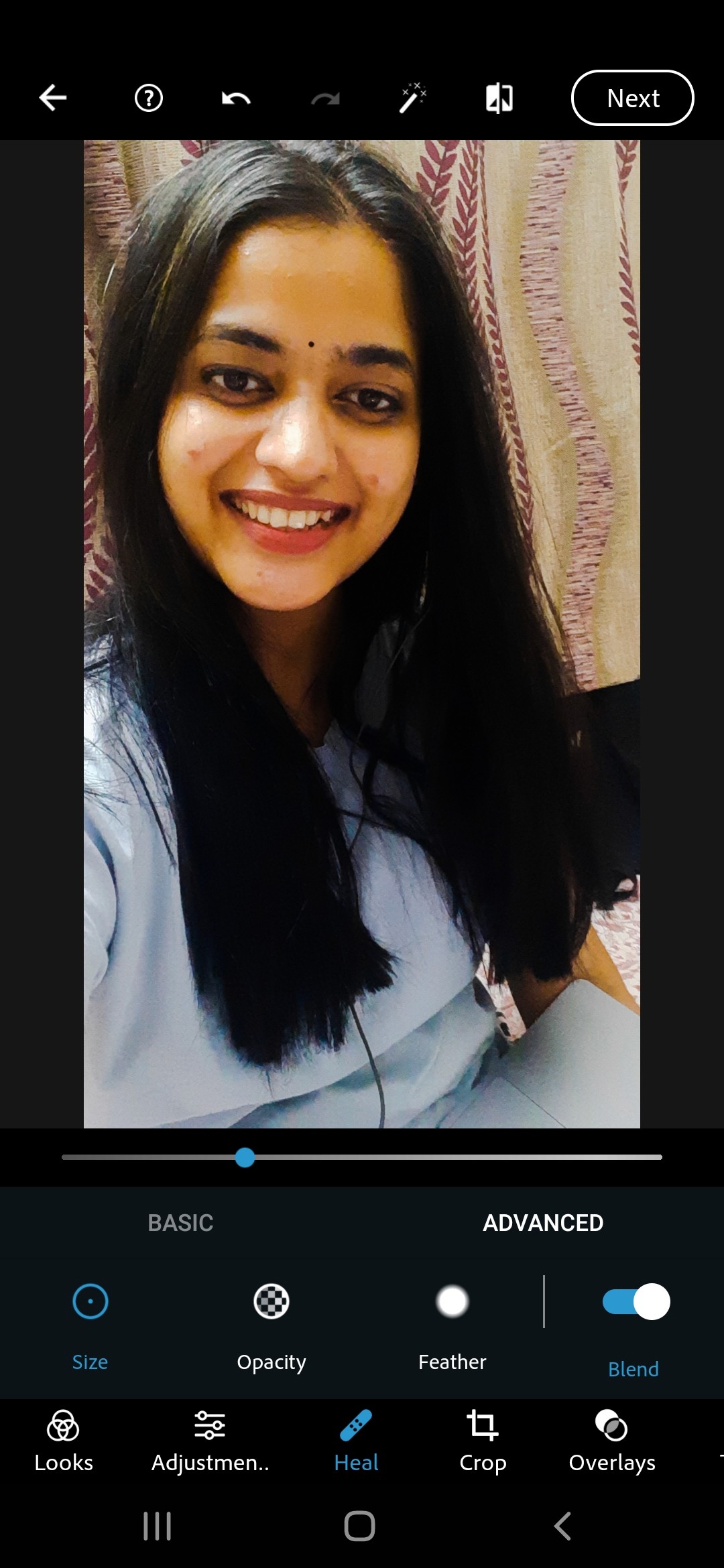
Real Testimonials from google play
What impact Magic Studio had on people
"So easy to use. I removed a whole crowd from my photo in literally two taps. I've tried Photoshop for years and never got results this clean this fast."

Emily Carter
"The before/after button is genius. I use it every single time I edit. It gives me confidence that the AI actually did what I wanted before I save anything."

James Richardson
"I run a small online store and used to pay someone to edit product photos. Now I do it myself in minutes. The background remover is incredible for product shots."

Sophie Williams
"Faster than anything else I've used. The magic eraser works first try almost every time — I don't know how they made the AI this accurate on a phone app."

Daniel Foster
"Very helpful for me as its good for removing unwanted objects from images."

Charlotte Harris
"It's Perfect for all. You can use this for your business advertisements."

Rachel Smith
Critical Reviews & their possible solutions
Login Timing
Subscription Transparency
“Magic Studio is popular around the world, with every image edited we put more power in the hands of the people. ”
magicstudio.com
THE BIG QUESTION
Magic Eraser: Would a non-designer feel confident using to use this under 60 seconds?
The first product was Magic Eraser: remove unwanted objects from any photo. No account required. No settings. No expertise assumed.
Before making a single wireframe, I audited the landscape, not to copy it, but to understand exactly where every existing product broke down. I studied 12+ apps hands-on: Photoroom, Bazaart, Snapseed, Canva, Remini, Adobe Express, VSCO, PicsArt, Polish, Lightroom, Instagram, and several camera apps.
First principles thinking: Breaking down to the smallest level - we found out that creating something on a blank canvas we would need a marker or something to hold and make, an eraser to undo mistakes, physically bend down on the table and focus our eyes on one small element inorder to edit that (painstaking). Thankfully its much easier digitally. Using the HCI principles, and mobile thumb control, the canvas was a real estate and we had to make good use of it, so in each tool we were creating these elements were crucial like undo/redo, erasor size, the ability to zoom in and out.
We realised that these are the very elements that helps a user be in control of their mistakes and to bring about the results they wished for. And it had to be easy to use. And the photos. The needed to be private and secure. To make the app flow like water, these were important:
Finding patterns: Psychological control & trust
Brush-first interaction
No tool selection, no mode switching. You upload, you brush. Intention is immediate.
Inline result preview
Results render in-canvas. No modals, no context loss. Continuity builds confidence.
Auto-size defaults
First-time users always picked the wrong brush size. A resolution-aware default cut failed erasures by ~40% before a single copy change.
The re-erase pattern
When AI fills weren't perfect, I designed a "undo/redo" loop instead of a restart.
Object selection & Spacial Control
First-time users always picked the wrong brush size. A resolution-aware default cut failed erasures by ~40% before a single copy change.
Loading and processing states
First-time users always picked the wrong brush size. A resolution-aware default cut failed erasures by ~40% before a single copy change.
Undo/redo logic and hierarchy
First-time users always picked the wrong brush size. A resolution-aware default cut failed erasures by ~40% before a single copy change.
The final result moment.
First-time users always picked the wrong brush size. A resolution-aware default cut failed erasures by ~40% before a single copy change.
A coherent studio
Scaling the tools & mobile app
Each new tool brought new UX challenges, but they all had to feel like one thing, not eight disconnected micro-products. The design system became the connective tissue. When a new component didn't fit, I fixed the system, not the component.
How studio was built
Magic Eraser: The original. Brush-based object removal. The founding UX model for the entire suite.
Background Eraser One-click removal with colour replacement. Built for e-commerce speed, designed for photographers and sellers.
AI Image Generater : Text-to-image creation. Open-ended generation required an entirely new UX model; no canvas to start from.
Background Blur : Depth-of-field effect with real-time intensity control. Designed for confident experimentation.
Bulk edit: 50 images simultaneously. The biggest UX lift is that the batch workflows without overwhelming the interface.
PRO Tier: Unlimited editing, 4K downloads, no watermark, priority support. Designed as capability, not gatekeeping.
Magic Eraser
The original. Brush-based object removal. The founding UX model for the entire suite.
Magic Background
One-click removal with colour replacement. Built for e-commerce speed, designed for photographers and sellers.
AI Image Generater
Text-to-image creation. Open-ended generation required an entirely new UX model; no canvas to start from.
Background Blur
Depth-of-field effect with real-time intensity control. Designed for confident experimentation.
Magic Background
The original. Brush-based object removal. The founding UX model for the entire suite.
Magic Background
The original. Brush-based object removal. The founding UX model for the entire suite.
What i had to invent
No playbook. So I wrote one.
Designing for generative AI in 2021–2024 meant there were no established patterns to reference. The AI Pattern Library I built for Magic Studio became the team's shared reference for every AI-powered interaction and the foundation for every tool that followed.
Impact
What happened after users were happy with Magic Studio (money)
Magic Studio grew to $2.3M in revenue with just 11 people. No marketing team. No paid ads. The product did the talking.
Every user came in organically. A no-signup wall meant people experienced the magic first and made a decision later. That single design call compressed the entire acquisition funnel.
20M users. 150M images edited. Built on a seed round, staying lean, going global across 13+ languages without localisation ever being the bottleneck.
The competitors were well-funded giants: Lightroom, Photoroom, PicsArt, Adobe Express. Magic Studio outgrew them on word-of-mouth alone.
As the only designer, every interaction decision was also a business decision. Faster time-to-first-edit meant better activation. Cleaner error states meant less churn at the moments that mattered most.
PRO surfaced at the right moment meant revenue that didn't feel forced. Monetisation was a design problem, not just a pricing one.
Design wasn't a support function here. It was the growth strategy.
What i carried forward
How I would do this differently in 2026 with AI
Research phase
In 2022, our user research took 3 weeks of interviews and synthesis. In 2026, I'd use Maze or Dovetail to run continuous passive research, auto-cluster session recordings into insight themes within hours. The same problem validated in 48 hours, not 3 weeks. Faster signal, same depth.
Design Decisions
What I had to invent from scratch loading states for uncertain AI outputs, error states that don't destroy user trust. Today I'd reference Google's People + AI Guidebook and emerging component libraries from Material Design as a starting point, then diverge. I built the map. These are now the roads.
AI Pattern Library
What I had to invent from scratch loading states for uncertain AI outputs, error states that don't destroy user trust. Today I'd reference Google's People + AI Guidebook and emerging component libraries from Material Design as a starting point, then diverge. I built the map. These are now the roads.
What still AI couldn't have replaced
This is the most important line in the section. The judgment calls, the ethical guardrails, the decision to slow down and not ship a feature that felt wrong even when the data said to, that's yours. End the section there.
©vibhapolkam 2026
be curious, not judgemental

